


Tasks
The "Tasks" frame allows you to enter and manage multiple separate tasks within a single file. This eliminates the need to create a separate file for each task.
Individual tasks are listed in a table and can be named as desired. You can switch between tasks using the top bar above the construction stages (each task may have its own construction stages).
Data entered in the frames above the "Tasks" frame—such as "Project," "Soils," or "Material"—is shared across all tasks. Data entered in the frames below the "Tasks" frame applies only to the selected task.
Shared data can be used in different ways across individual tasks without having to re-enter it. The specific division between shared data and task-specific data depends on the program in question.
A detailed description of working with tasks is provided in the "Multi-Task Mode" chapter.
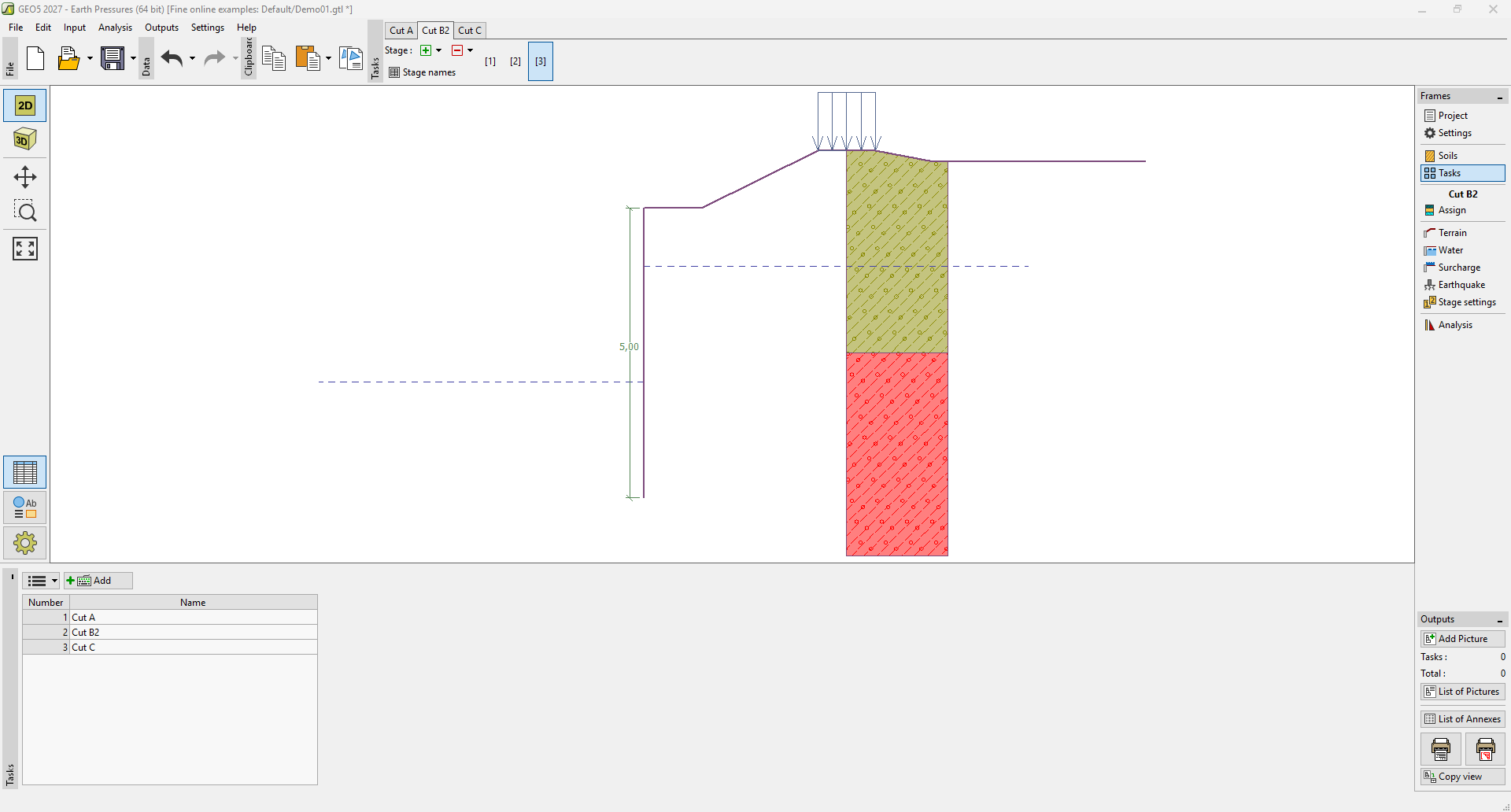 Frame "Tasks"